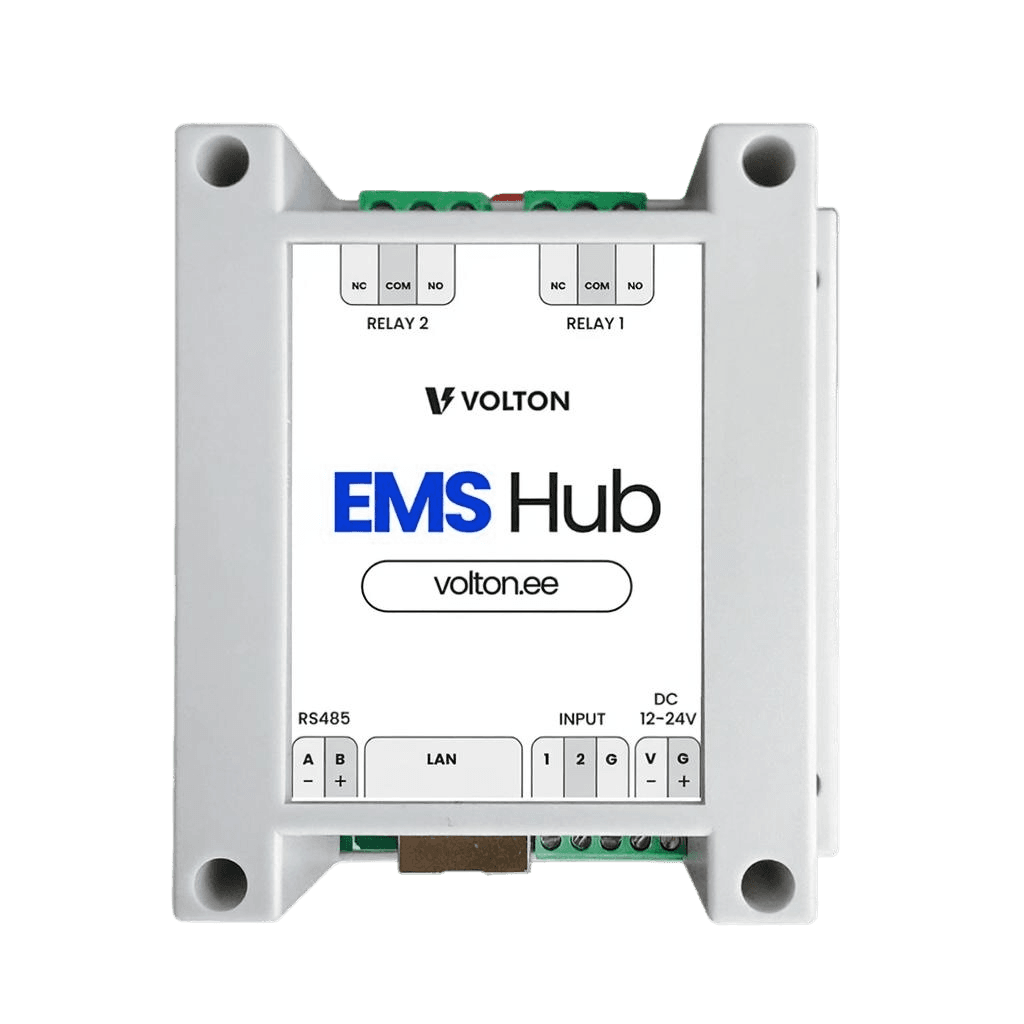
EMS-Hub
EMS Hub automatically tracks spot prices and turns devices on when electricity is cheapest.
Where is EMS-Hub most commonly used?
Ground-source heat pump

Air-to-water heat pump

Ground-source heat pump

Air-to-water heat pump

How EMS-Hub helps you
Lower electricity bill without sacrificing comfort.
EMS Hub shifts large consumers, such as a ground-source heat pump or an air-to-water heat pump, to cheaper hours. You still get the same warm home, but pay less for electricity.
No need to live by the electricity clock anymore.
You don’t have to track electricity prices yourself or worry about high electricity costs. EMS Hub does it for you and automatically schedules device operation to cheaper hours.
Clear overview of your consumption and savings.
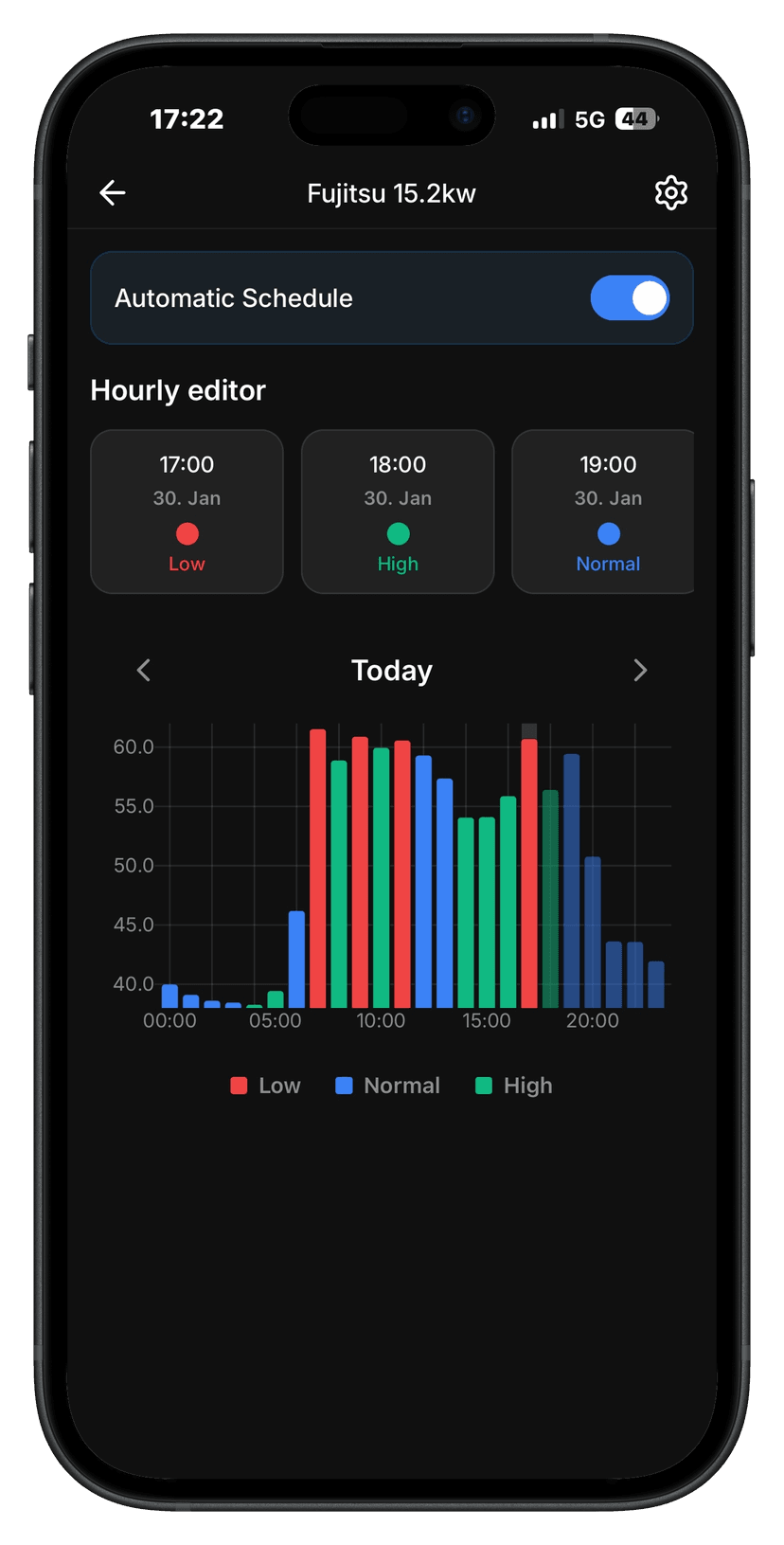
The app shows when the device ran, how much electricity it used, and how much money you’ve saved. Vague “electricity is expensive” becomes a concrete number you can see and understand.
One-time purchase, long-term win
You pay once, with no monthly fees. After EMS Hub pays itself back, the rest is pure savings.

How EMS-Hub works
EMS-Hub connects to the heat pump via dry contact and MODBUS RTU (RS485). Installation requires electrical work competence. Within the Tallinn area Volton's electrician carries out the installation; elsewhere in Estonia, our partner companies do.
Choose a mode that balances comfort and savings: • Comfort – reduces consumption during expensive hours by up to 10% • Balanced – reduces consumption during expensive hours by up to 20% • Economy – reduces consumption during expensive hours by up to 30%
EMS-Hub adapts the heat pump's operation automatically according to the selected mode and electricity price. It regulates control logic and power rather than frequently switching the device on and off. This helps extend the heat pump's lifespan, reduce mechanical stress, and keep the system reliable during cold periods.
In the app you see the device's operation, consumption and achieved savings in real time. When needed you can change modes and settings to find the best solution for your home.
What our customers say
Everything went quickly with Volton. Installation was simple, and the system works so I don't have to switch devices on and off myself. The house is warm, the app gives a clear overview of where energy is going, and electricity bills are about a third smaller than before. Currently, ten devices are connected to Volton, and I'm really glad that such young people have made this solution ready. I definitely recommend it.

Battery factory and circular economy engineer
Everything to know about EMS-Hub
Where can EMS-Hub be used?
• ground-source heat pump
• air-to-water heat pump
If you're not sure whether your heat pump is compatible with EMS-Hub, let us know and we'll help you find out quickly.
Technical specifications
• Power supply 12–24 V (power adapter included in the set)
• Connectivity: Wi-Fi 2.4GHz b/g/n
• Security mechanism: WPA-PSK
• Protocol: MODBUS RTU (RS485)
• Switches: 2 pcs
• Installation: DIN mounting (standard electrical panel)
• Control method: Volton app and automation rules
• Application area: energy device control and energy flow integration into Volton system
• Protection class: IP20 (for indoor panel installation)
• Operating environment: 0 °C to +50 °C
• Dimensions: 90 × 90 × 40 mm
• Certifications: CE, RoHS
How to install EMS-Hub?
Installation notes:
• Compatible with all standard DIN rails
• Requires 230V power supply and RS485 (MODBUS RTU) connection (when using MODBUS communication)
• Dry contact relays must be connected to the heat pump's Smart Grid / EX or manufacturer-specified external control terminals
• Wi-Fi connection is set up after installation in the Volton app
Volton has partner electricians available in every Estonian county. If you don't have your own electrician, check our partner list here and contact them directly, saying you want to install Volton's heat pump module.
How to factory reset EMS-Hub?
1. Turn the EMS-Hub power off and on quickly 8 times in total. This activates the automatic factory reset mode.
2. Make sure that during each power-off, the red LED inside the device turns off. The LED must completely dim for a moment so the reset cycle counts.
3. After the 8th power-on, the device automatically restores factory settings. Within a few seconds, EMS Hub will recreate its Wi-Fi network named EMS_Hub_XXXX.
How to connect EMS-Hub to the app?
https://youtu.be/iX05yIJZQbU
Use the same tutorial video – the connection principle in the app is exactly the same for all Volton devices, including EMS-Hub.
If you've lost the paper setup guide with the device code, you can always download the same guide again as a PDF file here.
See solutions for other devices
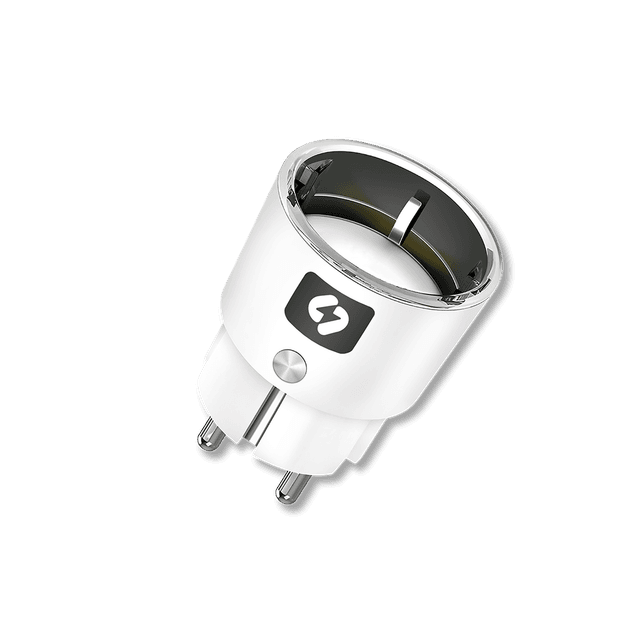
Smart Plug
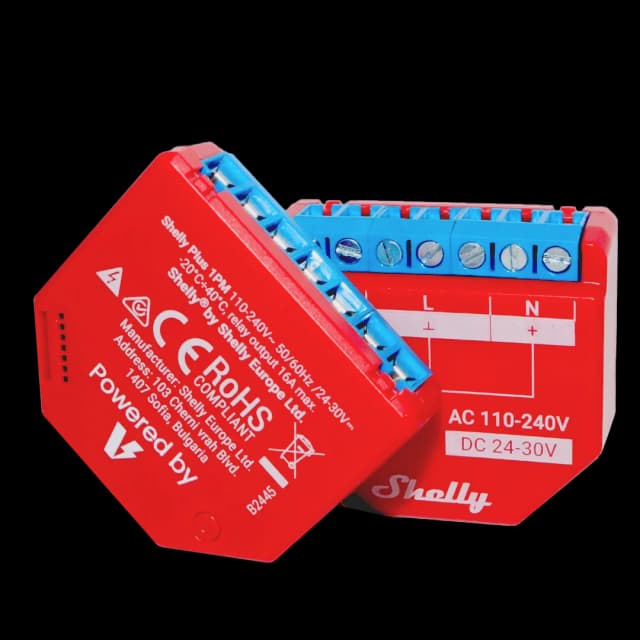
Smart Relay
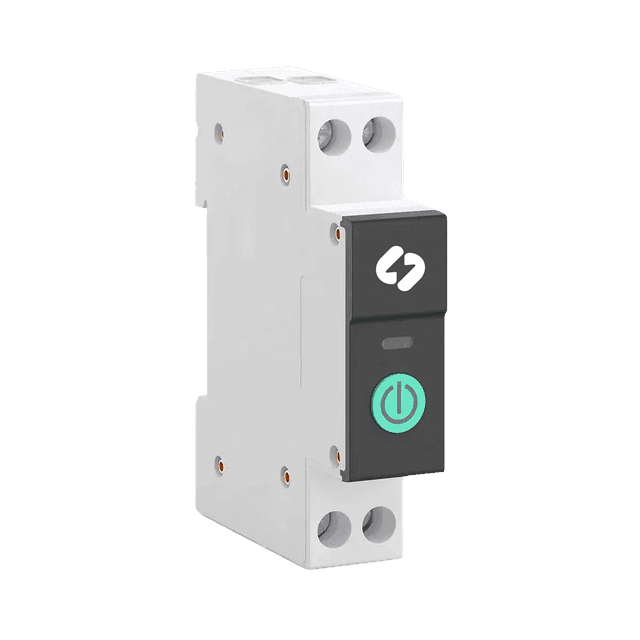
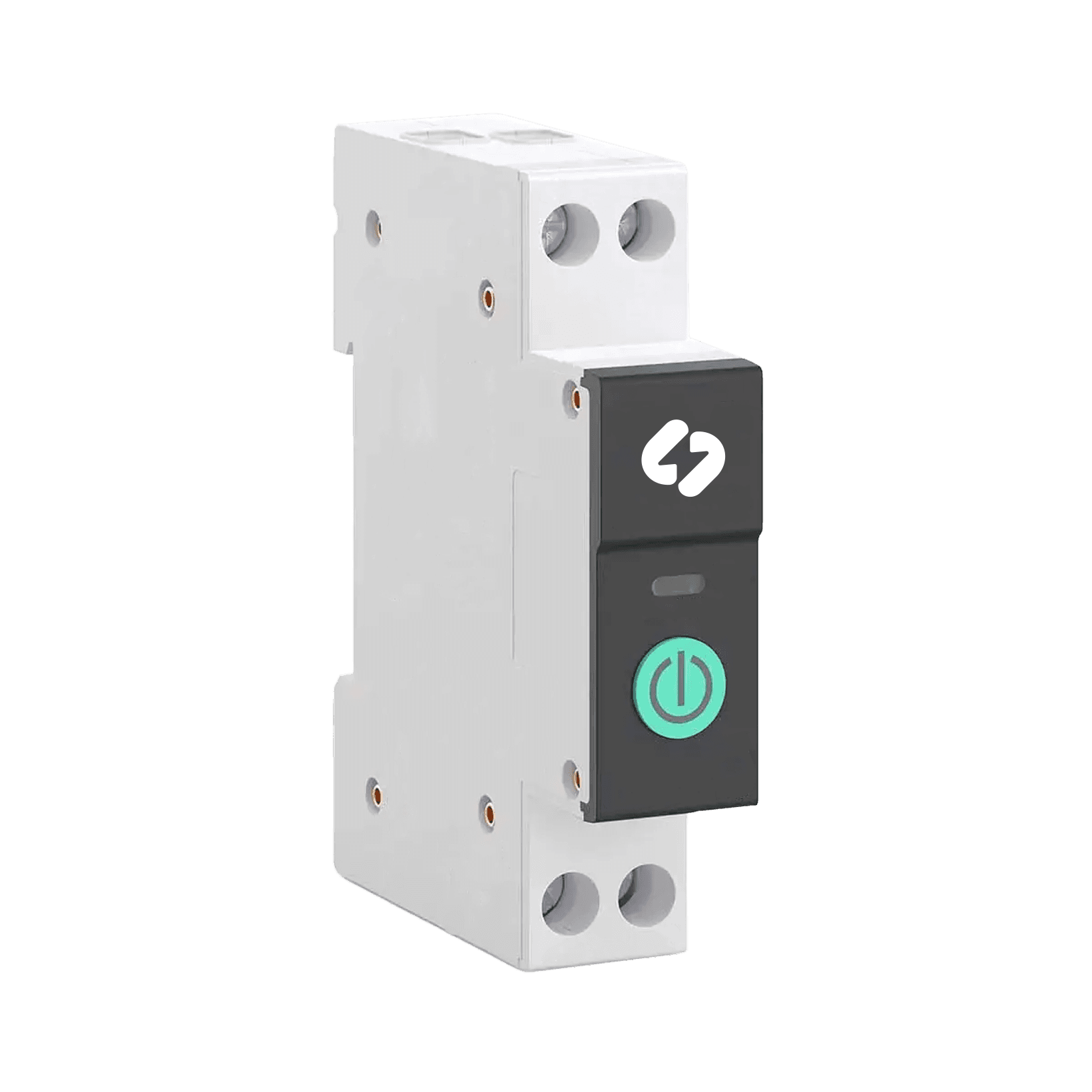
DIN Smart Relay
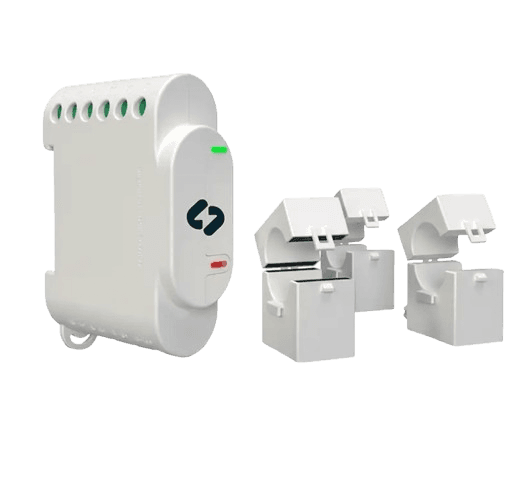
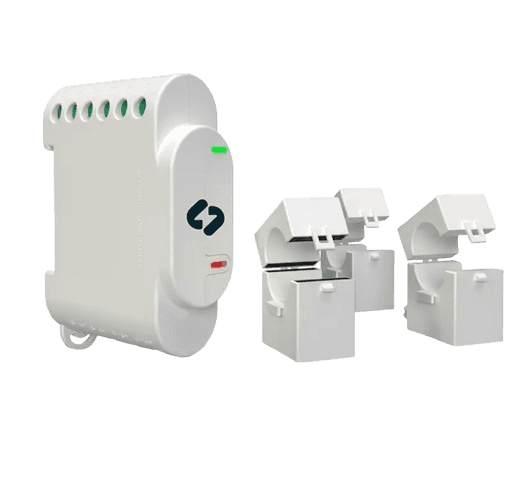
3-phase DIN Relay
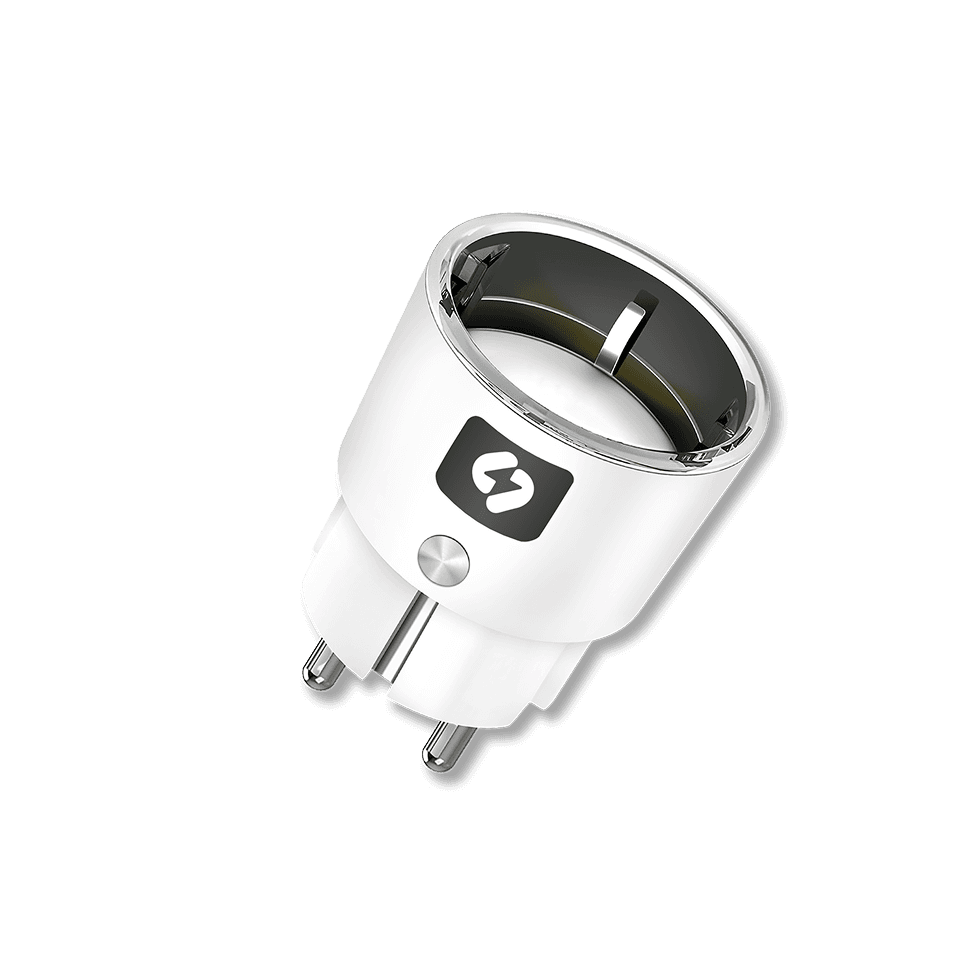
Smart Plug

Smart Relay
DIN Smart Relay
3-phase DIN Relay
Have questions or problems?
Feel free to contact us!

Have questions or problems?